
Who Can Join Ripper: Age, Country and Account Rules
Check these rules before you open the form. They come from the casino's terms and conditions:
- You must be 18 or older. The form asks you to confirm this with a required checkbox.
- One account per person. The Single Account Policy does not allow a second profile.
- Your country must not be restricted. The rules list 43 countries, including the United Kingdom, Germany, France, Italy and the Netherlands. Australia is not on the list.
- Have a working email address ready, plus an ID document for verification later. The name you enter must match that document.
- An account with no activity for 6 months is treated as dormant, and its balance is voided.
How to Create Your Ripper Account Step by Step
Registration at Ripper runs on a single Sign Up form with a three-step progress bar: Your account, About you and Contact details. The full path takes five moves, and each screen of the form is covered below. Already have an account? Go to the Ripper Casino login page instead.
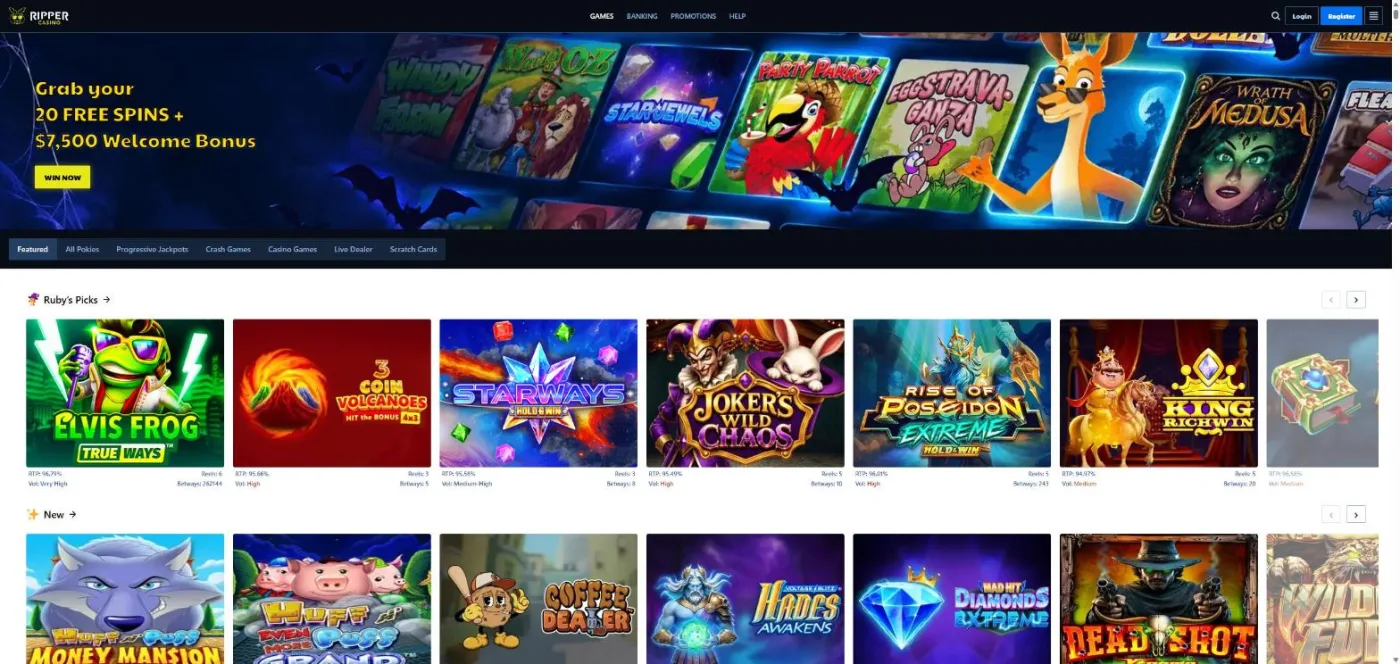
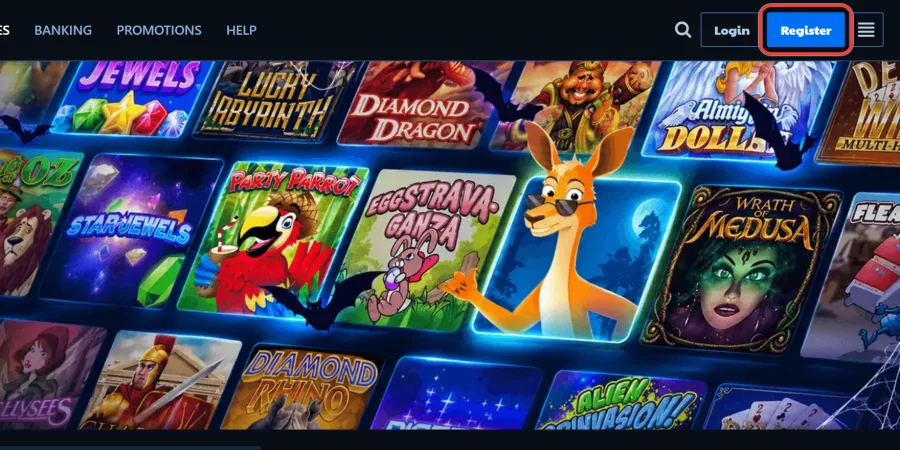
1 Click Register or WIN NOW
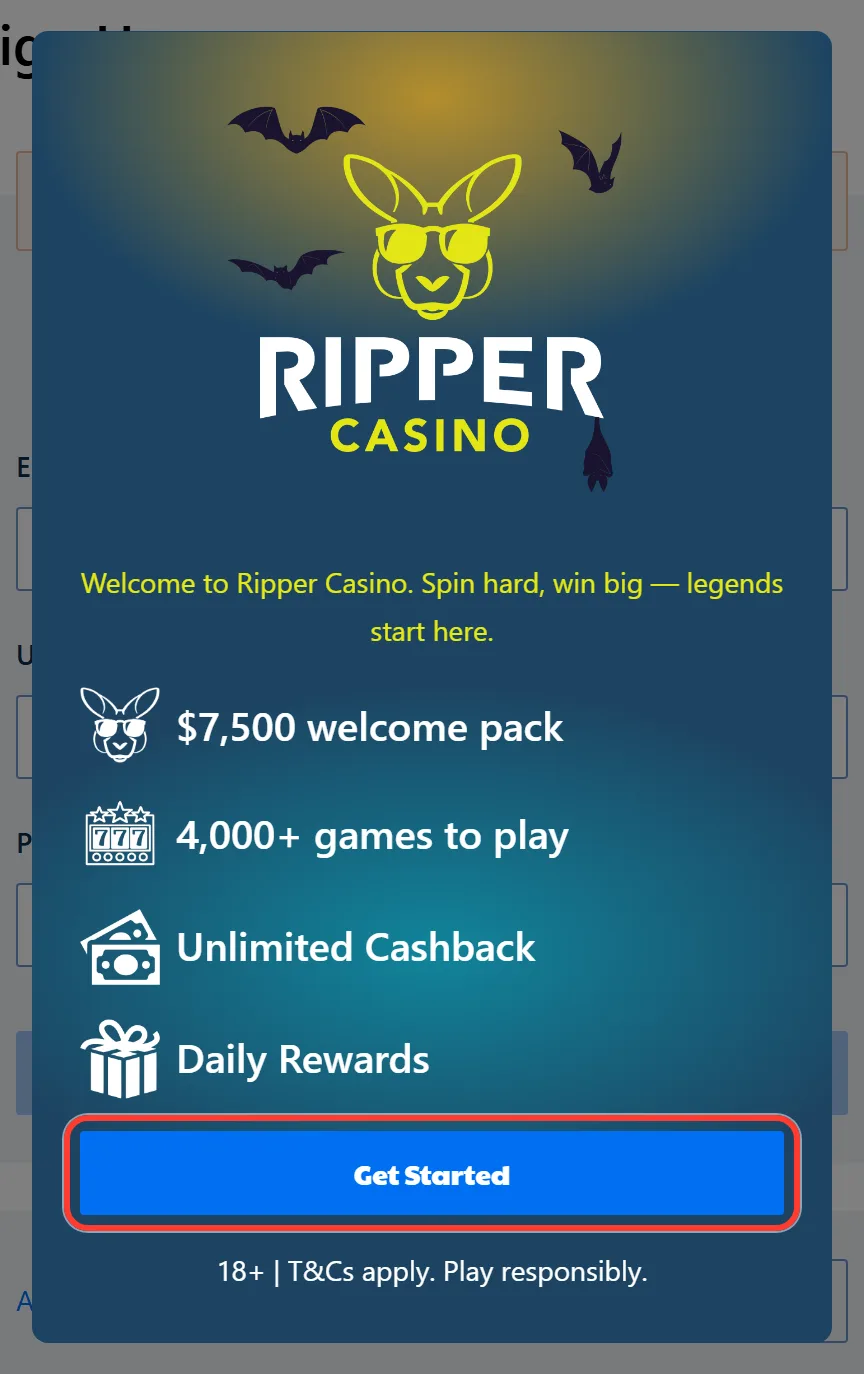
2 Tap Get Started on the Welcome Pop-Up
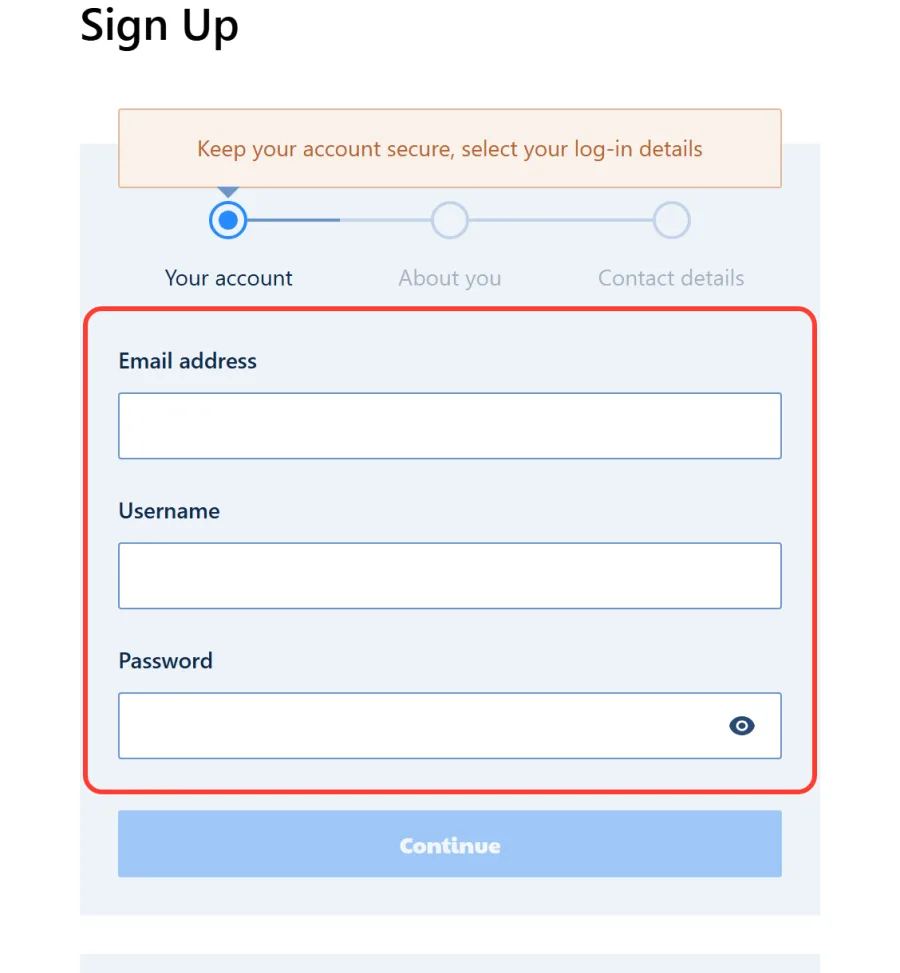
3 Your Account: Email, Username and Password
4 About You: Your Personal Details
5 Contact Details, Currency and Consent
Here is the whole form at a glance, with what each step needs from you:
| Form step | Fields | Required |
|---|---|---|
| Your account | Email address, Username, Password | All three fields: Continue stays inactive until they are valid |
| About you | Gender, First name, Last name, Date of Birth | Name and date of birth exactly as on your ID, age 18+ |
| Contact details | Country, Postcode, City, State / Province / Region, Address, Phone number, Currency | 18+ and terms checkbox ticked, promotional emails optional |
Signing Up on Your Phone
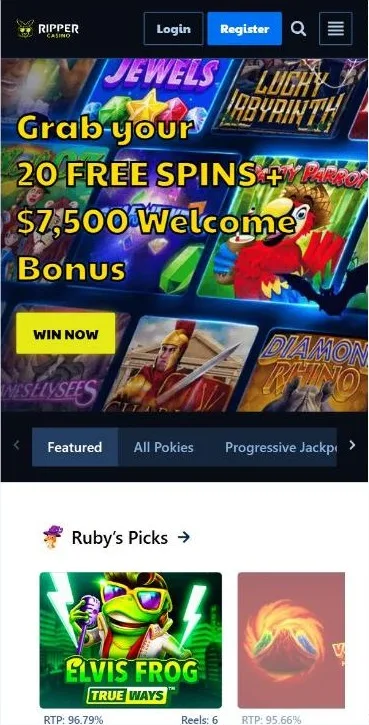
On a phone you fill in the same form in your mobile browser, no download needed: Ripper has no native app and runs as instant play. Once registered, add Ripper to your home screen as a PWA. In Safari choose Share, then Add to Home Screen; in Chrome pick Install app from the menu. See our Ripper Casino app guide.
What to Do After You Sign Up
Your account is ready, so here is what to do first: find where bonus codes go, claim your 20 free spins and make your first deposit to start the welcome pack. Each step takes a minute and gives you extra play from day one.
Where to Enter Bonus Codes
The Sign Up form has no promo code field. You add codes after you log in: open Bonuses and Rewards, choose Redeem Bonus and click Claim Bonus, or press Use Code on the promotion itself. Only one bonus can be active at a time, and real money is spent before bonus money. With a bonus running, the max bet is A$5 per round, or A$10 for VIPs. All current Ripper Casino bonus codes are on one page.
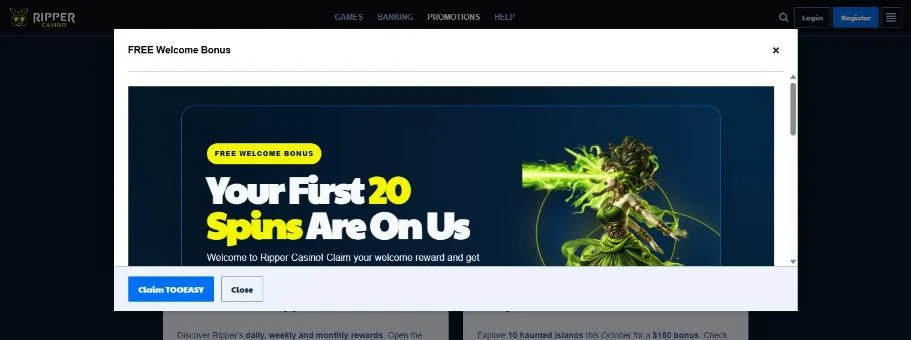
Claim 20 Free Spins with TOOEASY
New players get 20 free spins on Wrath of Medusa from Rival, and no deposit is needed. Copy the code TOOEASY below and enter it in Bonuses and Rewards after you register. Here is how the Ripper Casino no deposit bonus works in full.
Make Your First Deposit for the Welcome Pack
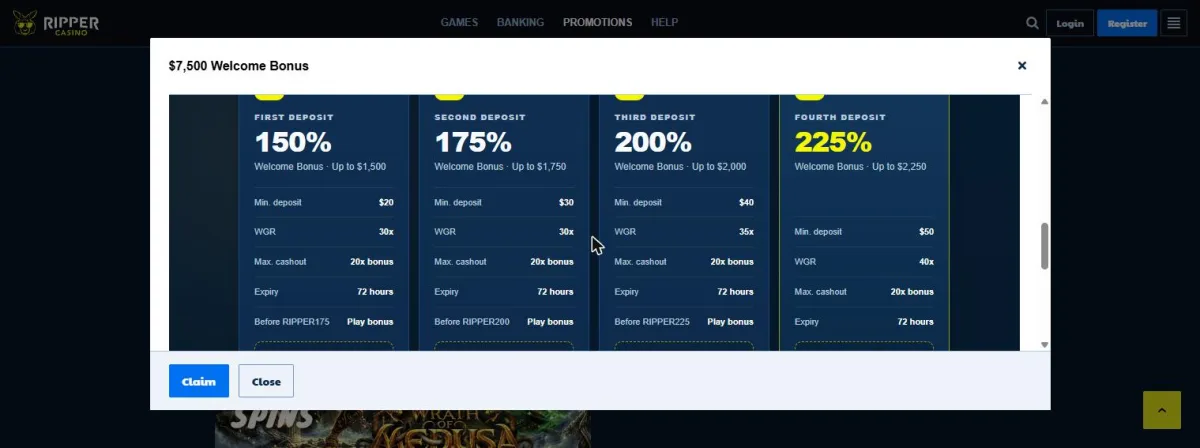
Your first four deposits unlock a welcome pack worth up to A$7,500, with the match growing from 150% to 225%. Use the codes in order, from RIPPER150 to RIPPER225. The next bonus opens once you have played through the current one, and each bonus lasts 72 hours:
| Deposit | Bonus | Max bonus, A$ | Min deposit, A$ | Wager | Promo code |
|---|---|---|---|---|---|
| 1st | 150% | 1,500 | 20 | x30 | RIPPER150 |
| 2nd | 175% | 1,750 | 30 | x30 | RIPPER175 |
| 3rd | 200% | 2,000 | 40 | x35 | RIPPER200 |
| 4th | 225% | 2,250 | 50 | x40 | RIPPER225 |
Bonus Mode applies: bonus funds work on 150+ selected pokies, while crown-marked Premium games take real money only. Browse the Ripper Casino pokies to pick yours. For the first deposit, use Visa, Mastercard, Apple Pay or Google Pay from A$20, Neosurf from A$10, or crypto such as Bitcoin and Litecoin.
Account Verification Before Your First Withdrawal
You do not need any documents to sign up. Ripper checks your identity (KYC) before your first withdrawal, and the review takes up to 48 business hours, so it is smart to finish it early. Before cashing out, you also need to wager your deposit at least once. See how a Ripper Casino withdrawal works, or follow our account verification guide for every detail.
Documents You Need for KYC
Verification covers up to four checks. Have clear photos of your documents ready before you start, and make sure your name matches the one you entered in the Sign Up form:
| Document | Accepted types | Requirements |
|---|---|---|
| Identity document | Passport, driving licence or residence permit | Front and back |
| Proof of address | A document showing your address | No older than 90 days |
| Selfie liveness check | A live selfie taken during verification | Done in the Verify now flow |
| Payment method proof | Photo of your card or a screenshot of your e-wallet account | Only on request, for card or e-wallet deposits |
How to Verify Your Account in the Profile
The whole check runs from your profile:
- Open Profile, then Account, then Verification, and click Verify now.
- Enter your first and last name exactly as on your document.
- Upload both sides of your ID.
- Upload your proof of address.
- Complete the selfie liveness check.
The review takes up to 48 business hours, after which your first withdrawal can go through.
Common Sign Up Problems and How to Fix Them
Most sign-up hiccups have a simple cause. Here are the usual ones and what to do about each:
| Problem | Cause | Fix |
|---|---|---|
| Continue button stays inactive | A field is empty or filled in incorrectly | Check each field on the screen and correct it |
| Account already exists | You registered before | Do not open a second account (Single Account Policy), restore access instead |
| 18+ and terms box not ticked | The required checkbox is empty | Tick it, otherwise the account is not created |
| Country on the restricted list | Your country is one of the 43 restricted | Registration is not available |
| No promo code field in the form | Codes are not part of sign-up | Enter codes in Bonuses and Rewards after registration |
| Forgotten password after sign-up | Lost log-in details | Click Forgot Password, enter your Email/User Name, press Reset my password and follow the link in the email |
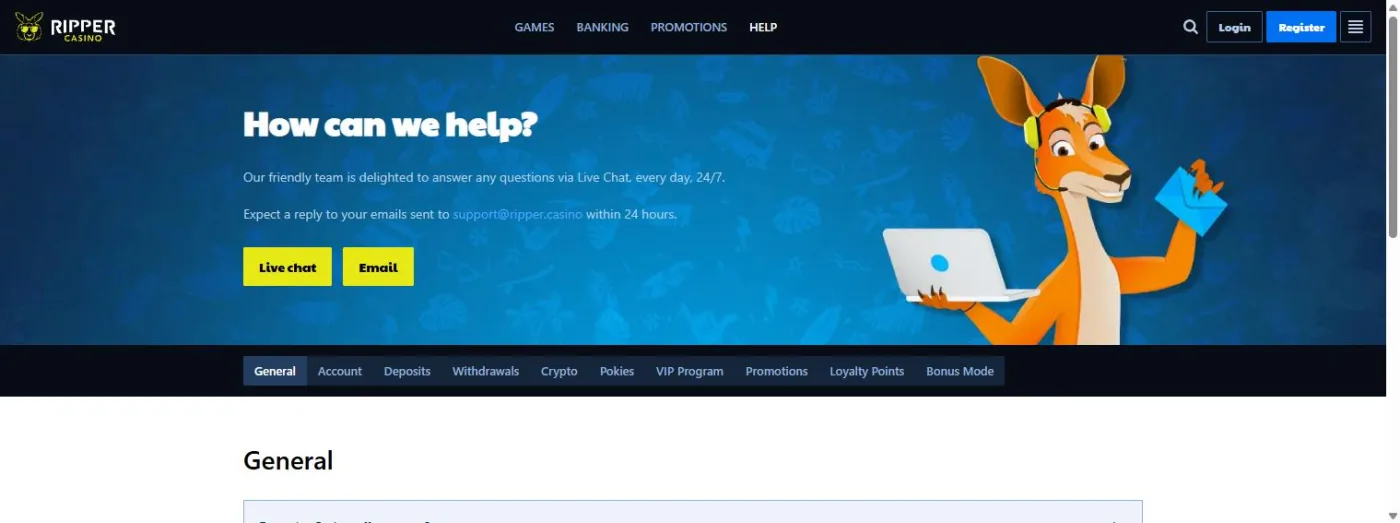
Still stuck? You can contact support through the 24/7 live chat or by email at support@ripper.casino, with replies within 24 hours. There is no phone line, but you can book a callback in the chat.
FAQ
Is there a promo code field on the Ripper sign-up form?
No. Once your account is open, go to Bonuses and Rewards, choose Redeem Bonus and claim your code. Start with TOOEASY for 20 free spins on Wrath of Medusa.
How old do I need to be to open a Ripper account?
You must be 18 or older. The last step of the form has a required checkbox where you confirm your age and accept the terms, and your date of birth must match your ID.
Can I open a second account at Ripper?
No. The Single Account Policy allows one account per person. If you lost access, use Forgot Password on the login page instead of signing up again.
Can Australian players register at Ripper?
Yes. Australia is not among the 43 restricted countries in the terms. Choose AUD in the last step of the form, and your balance and bonuses are shown in Australian dollars.
Do I need to upload documents when I sign up?
No. Registration needs only your details. You upload your ID, proof of address and a selfie later, before your first withdrawal.
How long does account verification take at Ripper?
Up to 48 business hours. Start it from Profile, Account, Verification and Verify now well before you plan to cash out.
Can I join Ripper on my phone without an app?
Yes. Open the site in your mobile browser and fill in the same form. There is no app to download, but you can add Ripper to your home screen as a PWA through Safari or Chrome.
What do I do if I forget my password after joining?
Click Forgot Password on the login page, enter your Email/User Name and press Reset my password. Open the email, follow the link and set a new password.