How to Log In to Ripper Casino Step by Step
You sign in with the username you picked at registration, not your email. The Ripper Casino Australia login has no Google or Facebook option, no captcha and no confirmation code.
1 Click Login
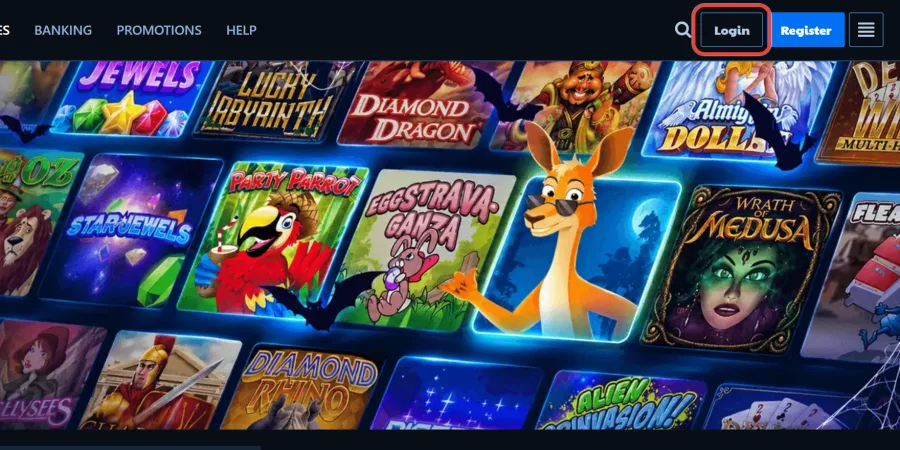
2 Go to the Login Page
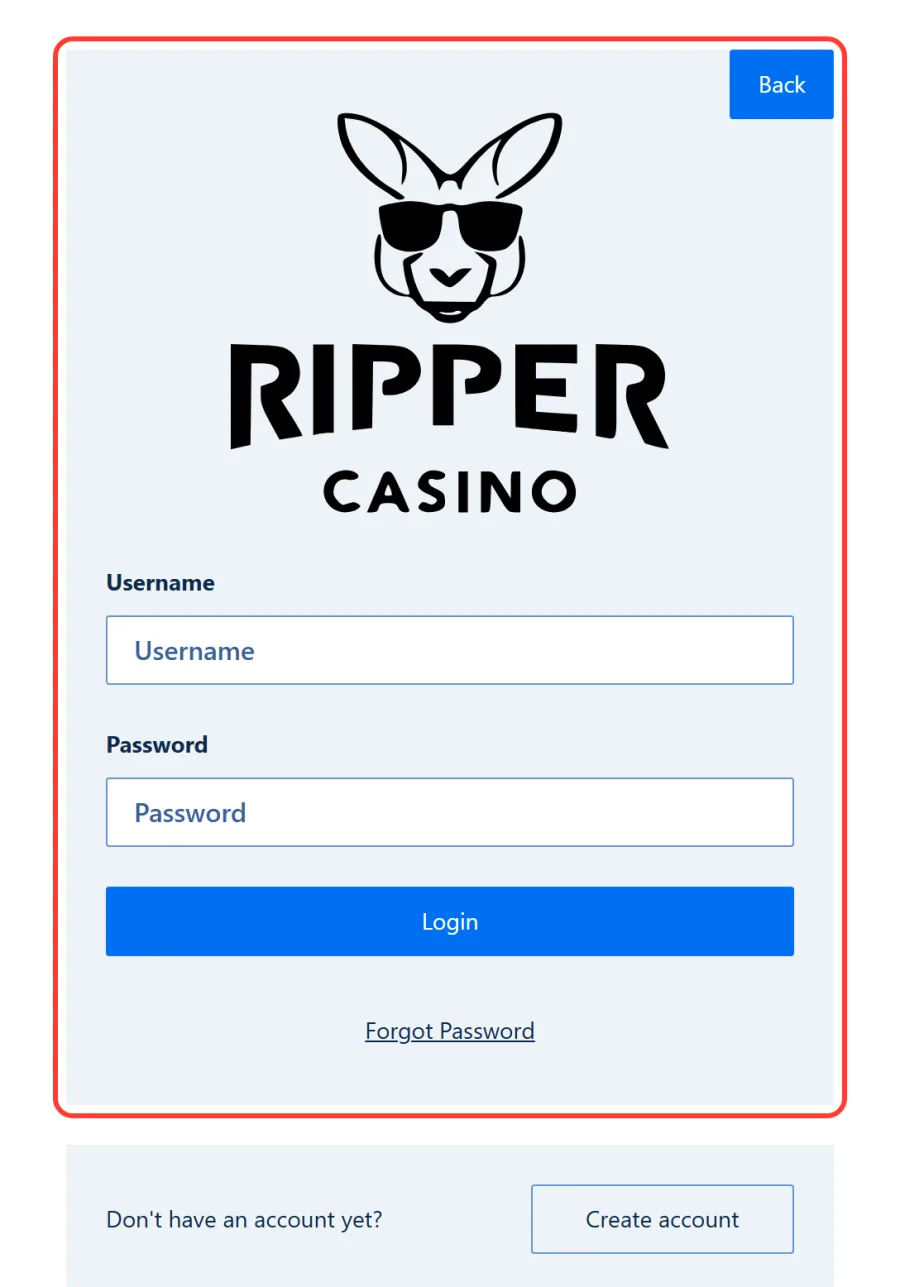
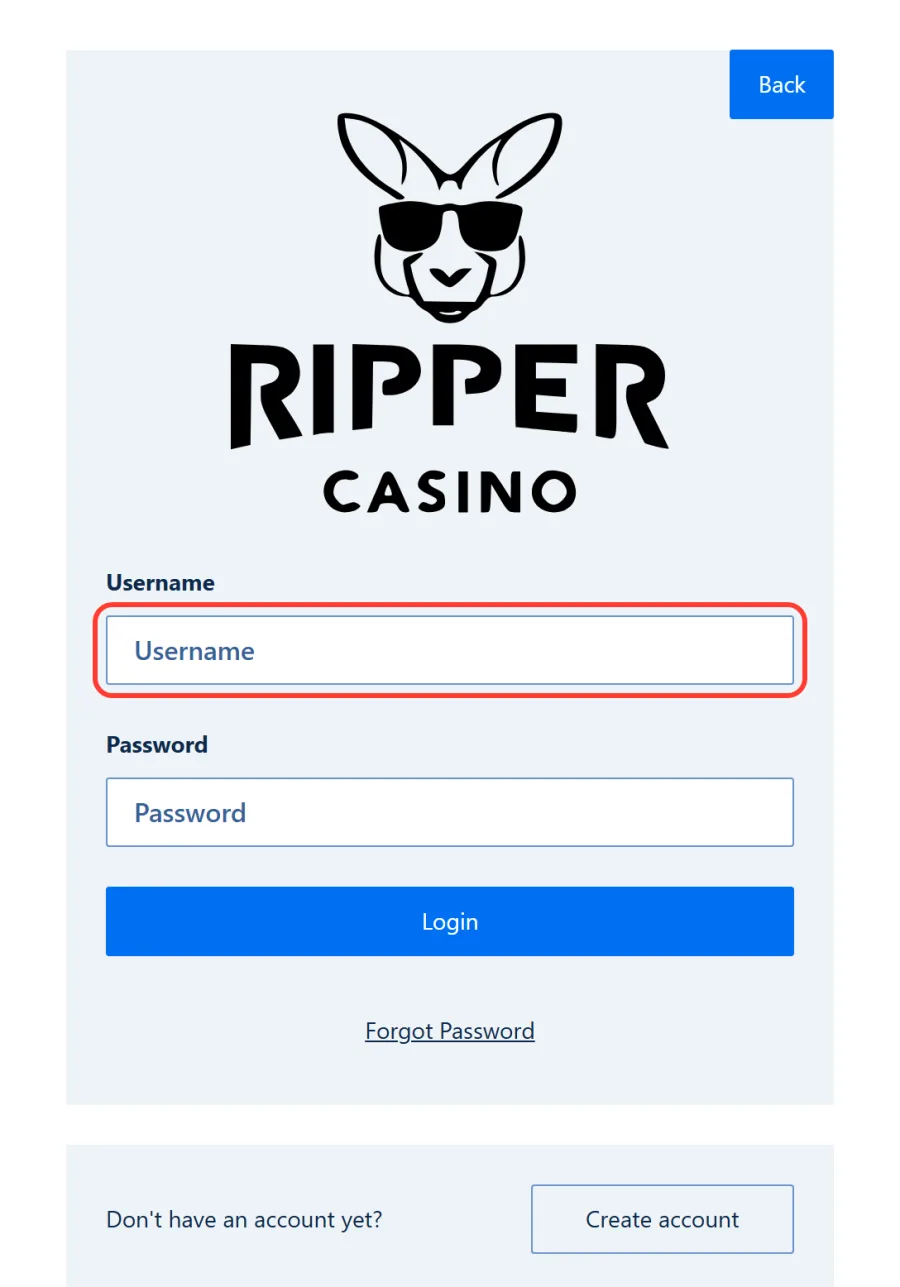
3 Enter Your Username
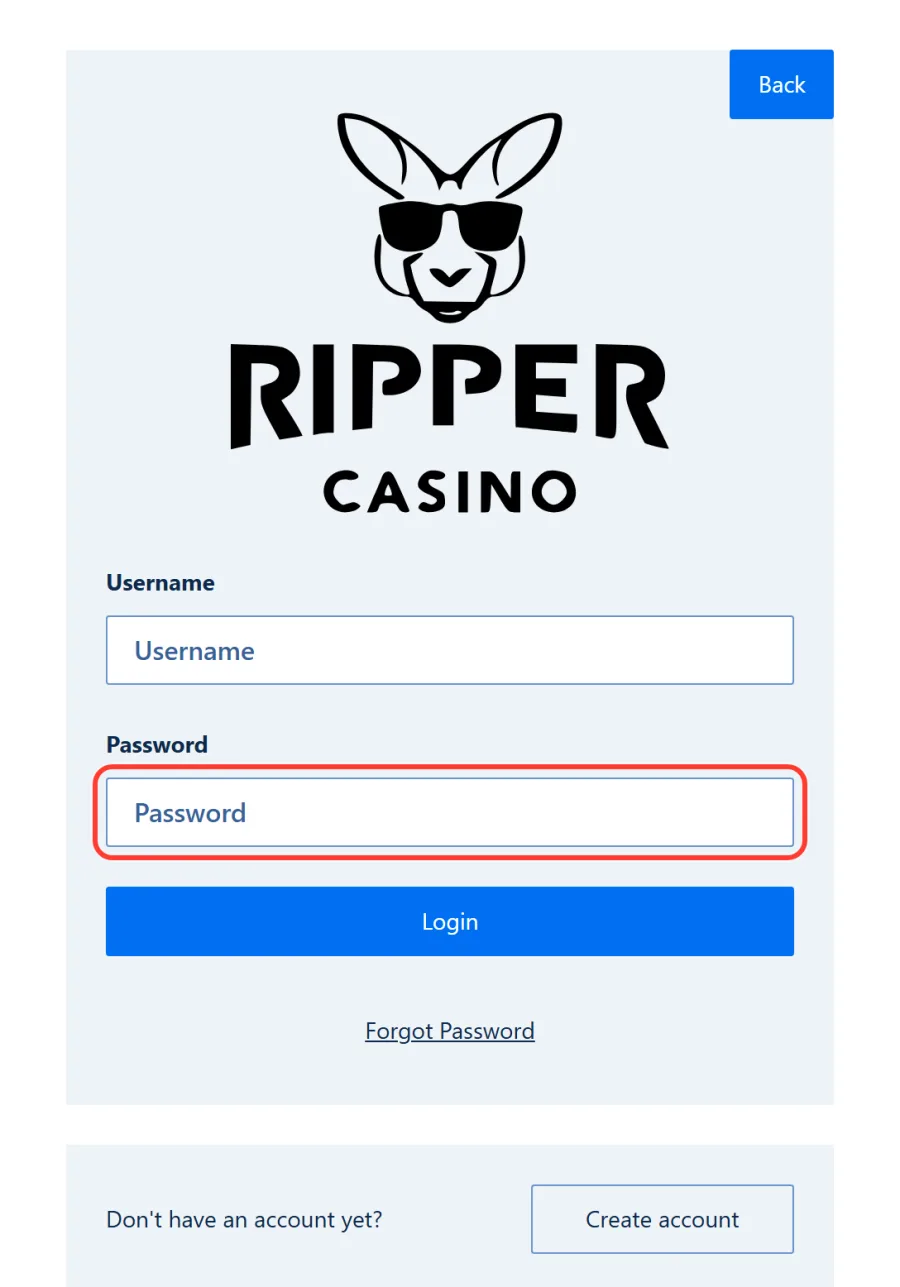
4 Enter Your Password
5 Click Log In
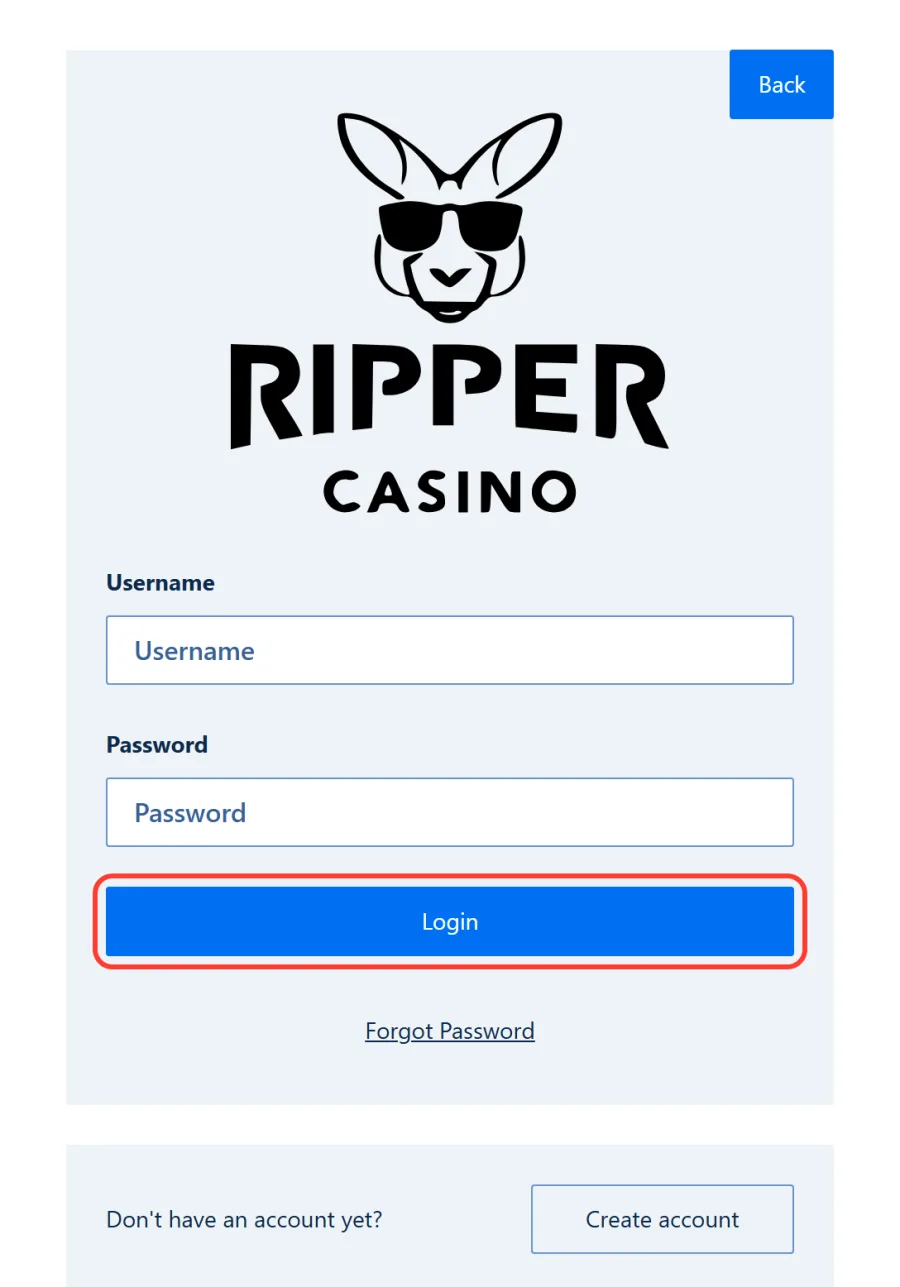
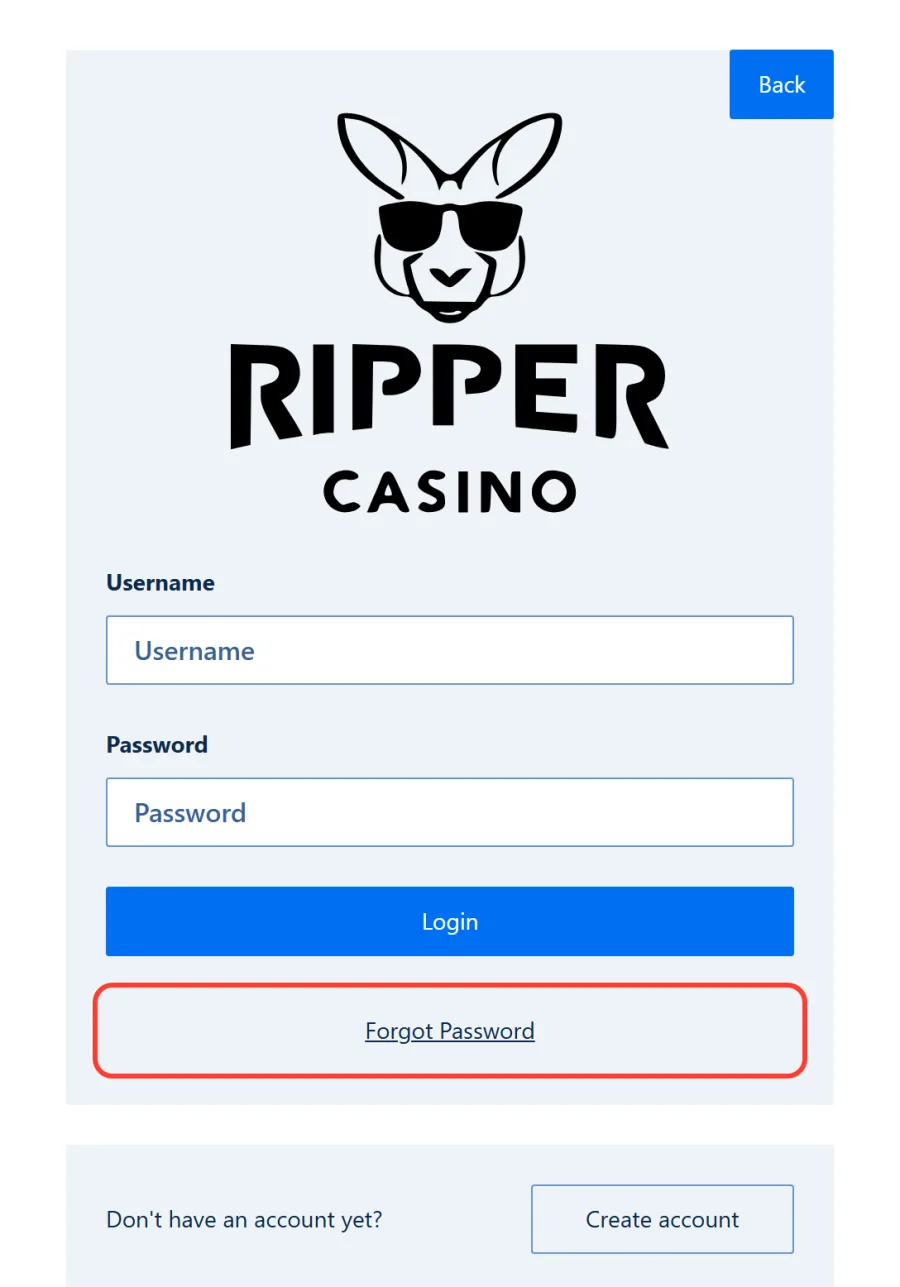
Below the form sit the Forgot Password link and the Don't have an account yet? block. Here is what each element does:
| Login page element | What it does |
|---|---|
| Username field | Takes your username from registration |
| Password field | Takes your account password |
| Log in button | Signs you in |
| Forgot Password link | Opens the reset page |
| Create account button | Starts registration |
| Back button | Returns you to the casino site |
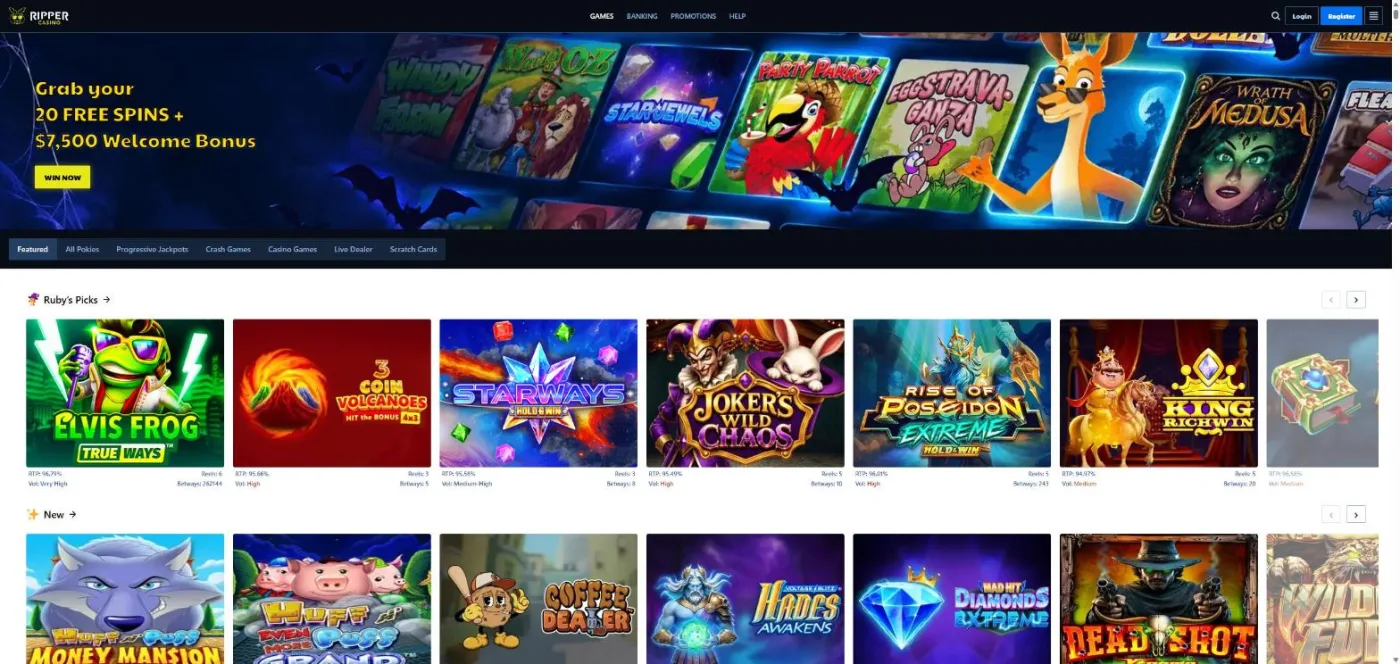
After you sign in, the lobby opens with your account balance in view.
No Account Yet? Registration in Brief
You can't log in without an account. Open one with the blue Register button in the top-right corner or Create account on the login page. The Sign Up form has three steps: Your account (email, username, password), About you and Contact details, with your address, phone, currency, an 18+ confirmation and acceptance of the terms. Step one sets your login details. Codes go in after you log in, as the form has no promo field. New players get a Welcome Pack of up to A$7,500 on four deposits. Our Ripper Casino sign up guide covers every field.
Forgot Your Password? How to Reset It
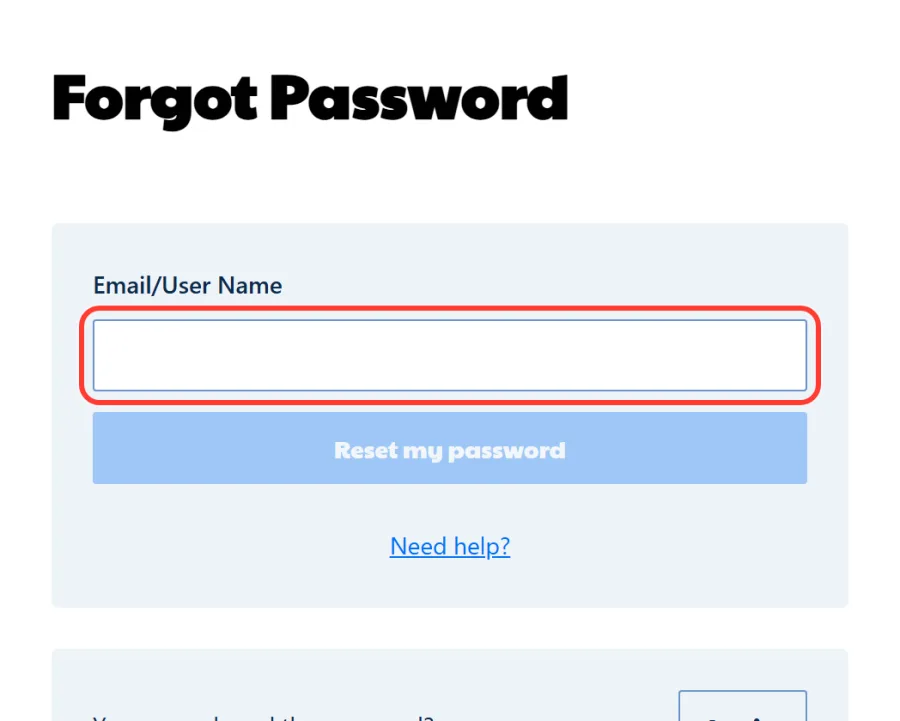
You can set a new password yourself from the login form, using your email address or username.
1 Click Forgot Password
2 Enter Your Email or User Name
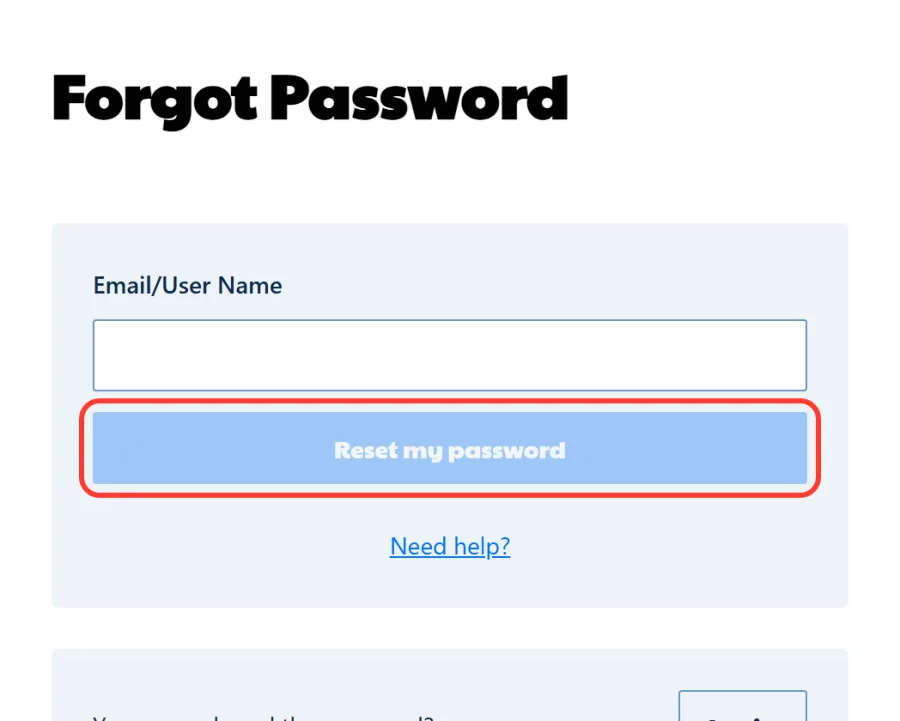
3 Click Reset My Password
4 Follow the Link in the Email
On the reset page, Need help? opens support, and You remembered the password? leads back to the login form. Pick a new password you don't use on other sites. No email? Check your spam folder, then message live chat.
Ripper Casino Mobile Login Australia: Browser and Home Screen
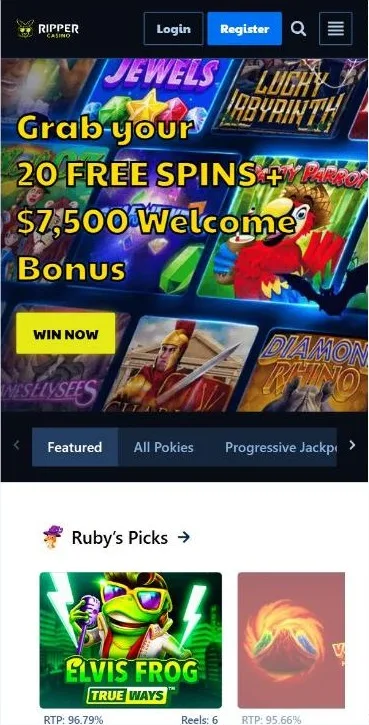
Signing in on your phone works the same way: tap Login and enter your username and password. One account covers every device. There is no native app in the App Store or Google Play, as Ripper runs as instant play in your mobile browser.
For quicker access, add the site to your home screen as a web app (PWA). On iPhone, open it in Safari, tap Share and choose Add to Home Screen. On Android, open it in Chrome, tap the menu and pick Install app or Add to Home screen. The Ripper icon then opens the site full screen, and you sign in with the same Login button. The Ripper Casino app guide has the full walkthrough.
Login Problems and How to Fix Them
Most sign-in trouble comes down to a few simple causes. Find your situation in the table and follow the fix.
| Problem | Likely cause | What to do |
|---|---|---|
| Login details are not accepted | Email entered instead of username, or Caps Lock is on | Enter your username and check that Caps Lock is off |
| Forgotten password or username | Details lost since registration | Use Forgot Password: the form accepts your email or username |
| No reset email | The message landed in spam | Check your spam folder, then contact live chat or email support |
| Still can't get in | The cause is not clear | Contact support and don't open a second account |
| Long break from playing | No account activity for 6 months | Withdraw your balance before a long break |
Two rules from the terms and conditions matter here. Each player may hold only one account, so a new registration won't fix a login problem. An account with no activity for 6 months is treated as dormant, and its balance is voided.
What Opens After You Sign In
Signing in unlocks your full Ripper Casino player account: bonuses and cashback, the cashier, the games lobby and account verification. Here is where to find each.
Bonuses and Rewards: Redeem Codes and Claim Cashback
Account Verification Before Your First Withdrawal
Games and Deposits in Your Account
Account Safety and Safer Play
Two things keep your account in good shape: guarding your login details and keeping your play under control.
Protecting Your Login Details
Your account is protected by your password alone, with no extra confirmation codes, so treat it with care. Data travels over 128-bit SSL encryption, and the login form only ever asks for your username and password, never your card details. Your account also holds personal data and verification documents, as the privacy policy explains. Good habits are marked with a plus, risky ones with a minus:
- Use a unique password just for Ripper
- Open the site from a bookmark or the home screen icon
- Check the address in the browser bar before you sign in
- Log out after playing on a shared computer
- Saving your password on a shared or borrowed device
- Signing in through links sent in messages
- Sharing your username or password with anyone
Account Access FAQ
Do I log in with my email address or my username?
You log in with your username, the one you chose in the first step of registration, together with your password. Your email address won't work in the username field, although the password reset form accepts it. Enter your username and password to get back to your games.
What should I do if I forget my password?
Click Forgot Password under the login form, enter your email or user name and press Reset my password. Open the Reset Password email, follow the link and choose a new password. If the email is missing, check your spam folder, then contact live chat.
Can I log in on my phone without downloading anything?
Yes. Ripper runs as instant play in your mobile browser, so you open the site, tap Login and enter your details. For one-tap access, add it to your home screen as a PWA through Safari on iPhone or Chrome on Android. The icon opens the site full screen.
Can I sign in with Google or Facebook?
No. Ripper Casino has no Google or Facebook login. The only way in is the username and password you set at registration: one form, two fields and the blue Log in button. Keep your details safe and log in whenever you are ready to play.
Can players from Australia use their Ripper Casino accounts?
Yes. Australia is not on the restricted countries list in the casino's terms, and accounts run in AUD, so balances, bonuses and limits are shown in Australian dollars. Aussie players sign in with the same username and password on any device.
Where do I enter a bonus code after logging in?
Open Bonuses and Rewards, choose Redeem Bonus, type the code and click Claim Bonus. You can also press Use Code on a promo card. The registration form has no code field, and only one bonus can be active at a time. Log in to redeem yours.
Do I need to verify my account before I can log in?
No. You can log in and play right after registration. Verification is required before your first withdrawal: go to Profile, Account, Verification and upload an ID, proof of address no older than 90 days and a selfie. The check takes up to 48 business hours.
What happens to my account if I stop logging in for months?
Under the casino's terms, an account with no activity for 6 months is treated as dormant, and its balance is voided. If you plan a long break, withdraw your funds first. Each player may hold only one account, so log in to your existing one when you return.